We use our own cookies as well as third-party cookies on our websites to enhance your experience, analyze our traffic, and for security and marketing. Select Accept all to allow them to be used. Read more about cookies Privacy Policy.

Optimyzee logo

Latest Featured Article

Google Ads

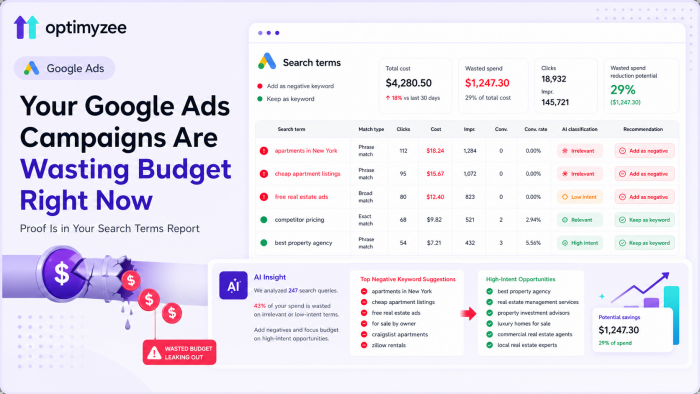
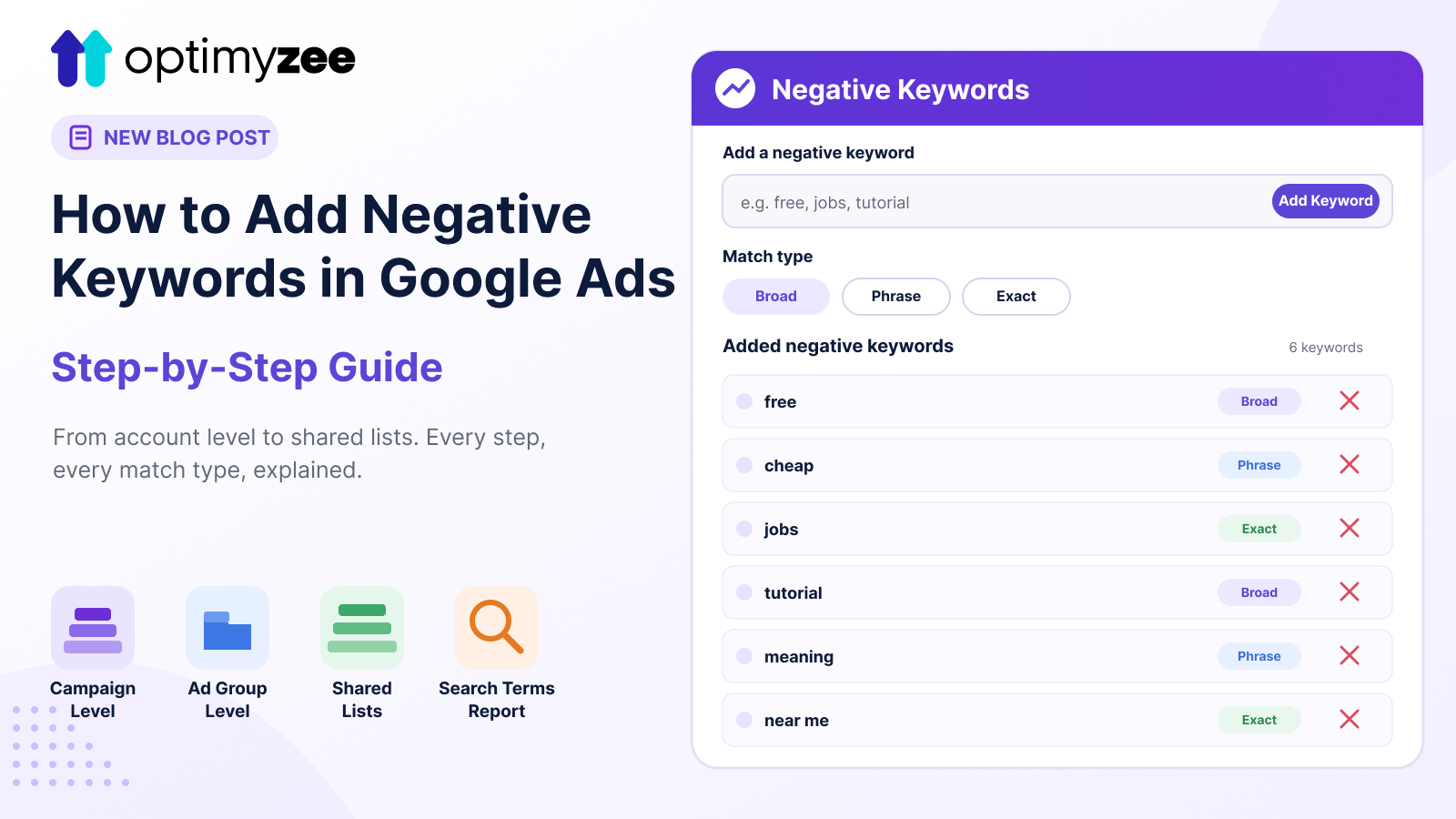
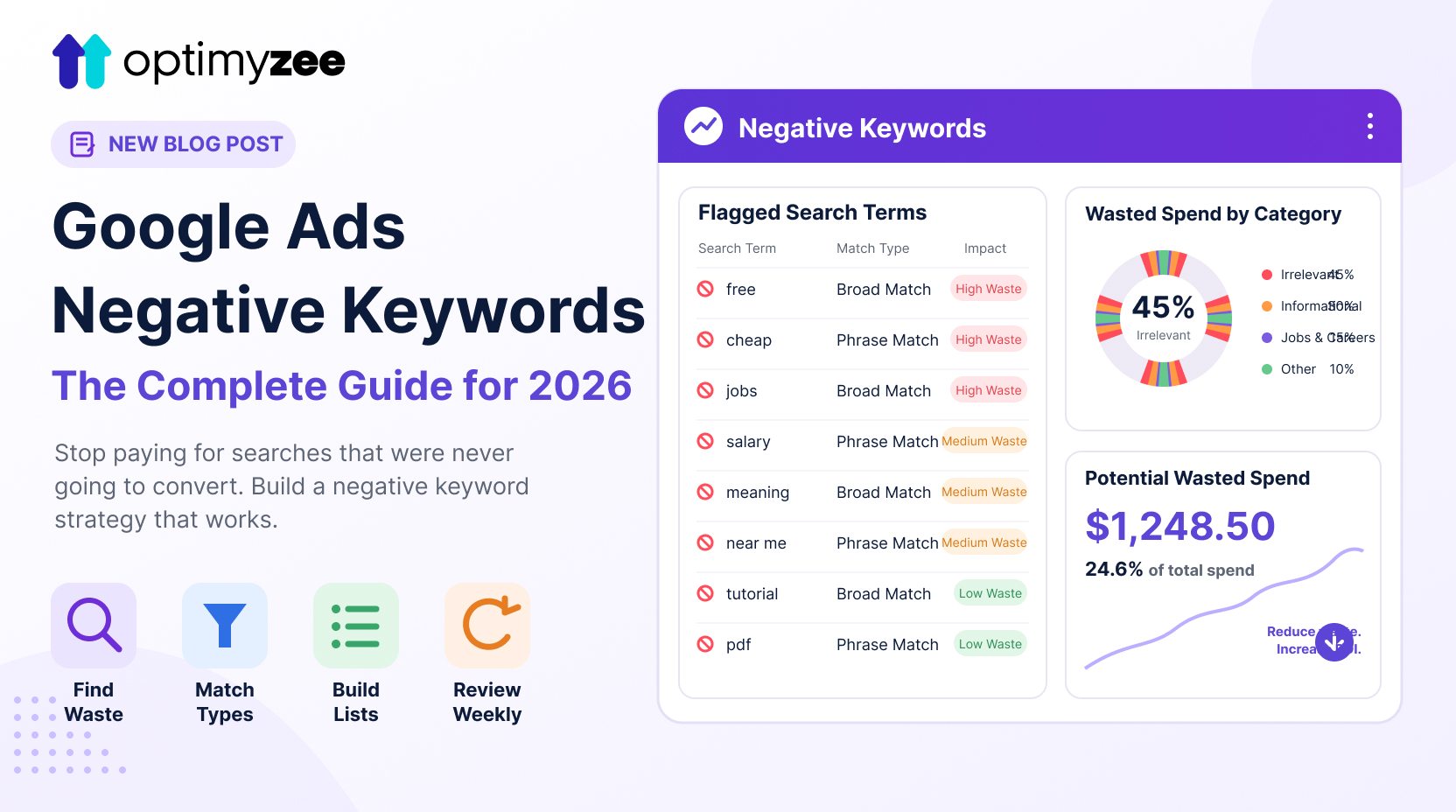
How to Add Negative Keywords in Google Ads (Step-by-Step)

Quick Answer: Here’s how to add negative keywords in Google Ads: go to Campaigns, select a campaign or ad group, open the Keywords section, choose Negative Keywords, click the plus button, and enter your term with the match type you want (broad, phrase, or exact). For terms you want blocked across multiple campaigns, build a… Continue reading How to Add Negative Keywords in Google Ads (Step-by-Step)
Read this article
How to Add Negative Keywords in Google Ads (Step-by-Step) - post image
5 minutes to read