
PMax without the black box.
Structured asset groups built from your real products and site, plus the search-term visibility Google normally keeps hidden.
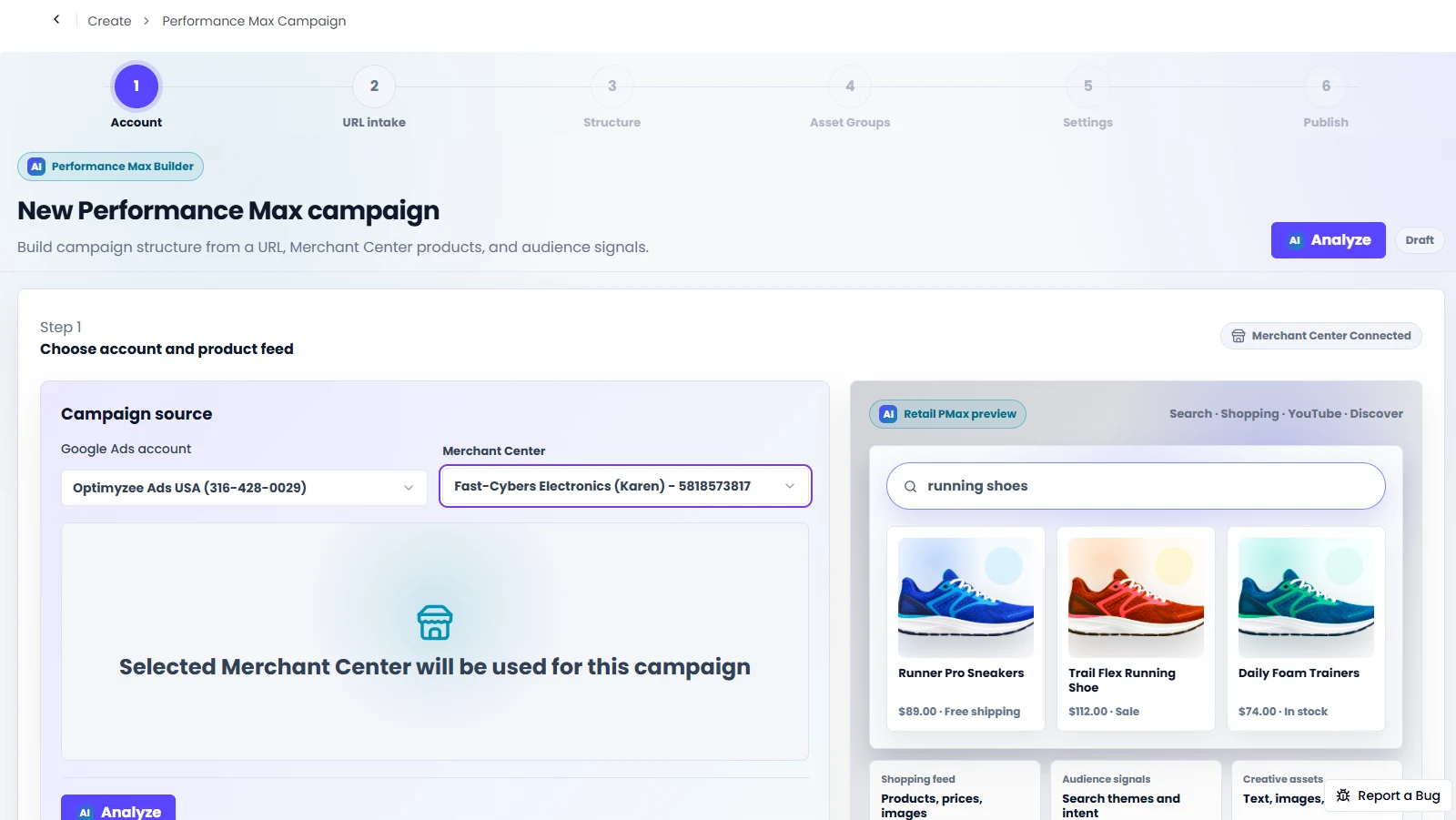
Built for retail and lead generation.
Optimyzee analyzes your Merchant Center feed and your website, then structures a campaign around what you actually sell - not a generic template.
Connects to your Merchant Center, groups products into categories, and proposes asset groups mapped to those categories with the relevant products attached.
Builds asset groups around your website's service categories when there's no product feed to work from.
Review every asset group, then publish directly into your Google Ads account.
Finally see what PMax is matching on.
The same 300-term analysis from Search, adapted for PMax's insights data - up to 300 search terms from the last 30 or 60 days, classified automatically.
Add negatives or new keywords straight to the campaign from the review screen.